


Postman Collections
Postman is a free, cross-platform app that makes it easy to experiment with APIs in a friendly interface. ShipStation API's official Postman collection help you get started quickly.
You can download Postman here. It's available for Mac, Windows, Linux, and Chrome OS.
TIP: Login to your ShipStation API account first.
When you're logged-in, clicking the "Run in Postman" button below will automatically add your API key to Postman
Tutorial Video

Unfamiliar with Postman? Want to make sure you get the most out of our walkthrough collection? Then watch this video and follow along to learn how to use Postman and ShipStation API at the same time.
ShipStation API Walkthrough

TIP: Be sure to run the requests in order. This collection uses Postman variables to connect each step to the next one, so you may get errors if you run them out of order.
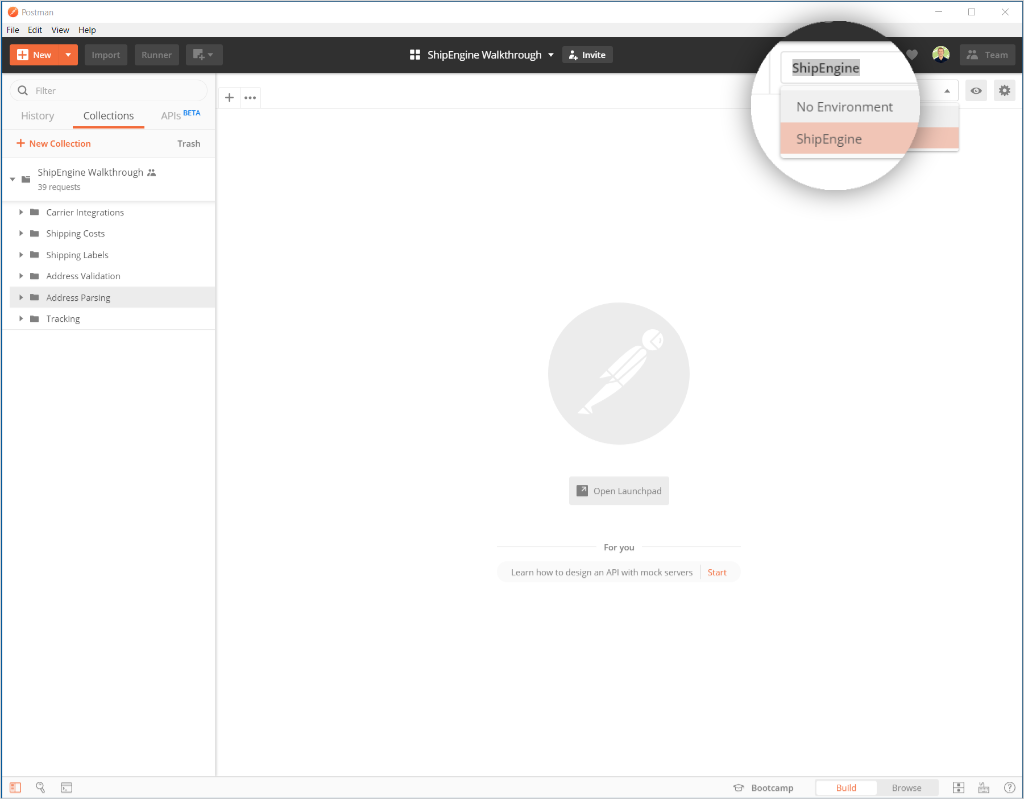
Be sure to select the ShipEngine environment, which contains your API key.
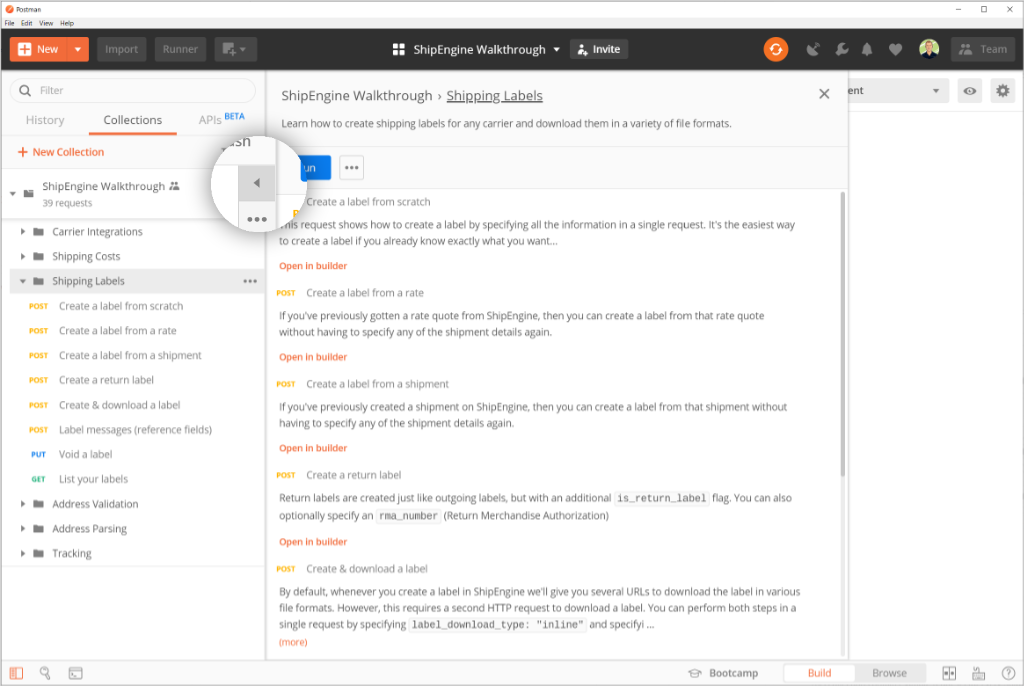
Follow-along with descriptions and instructions for every request.
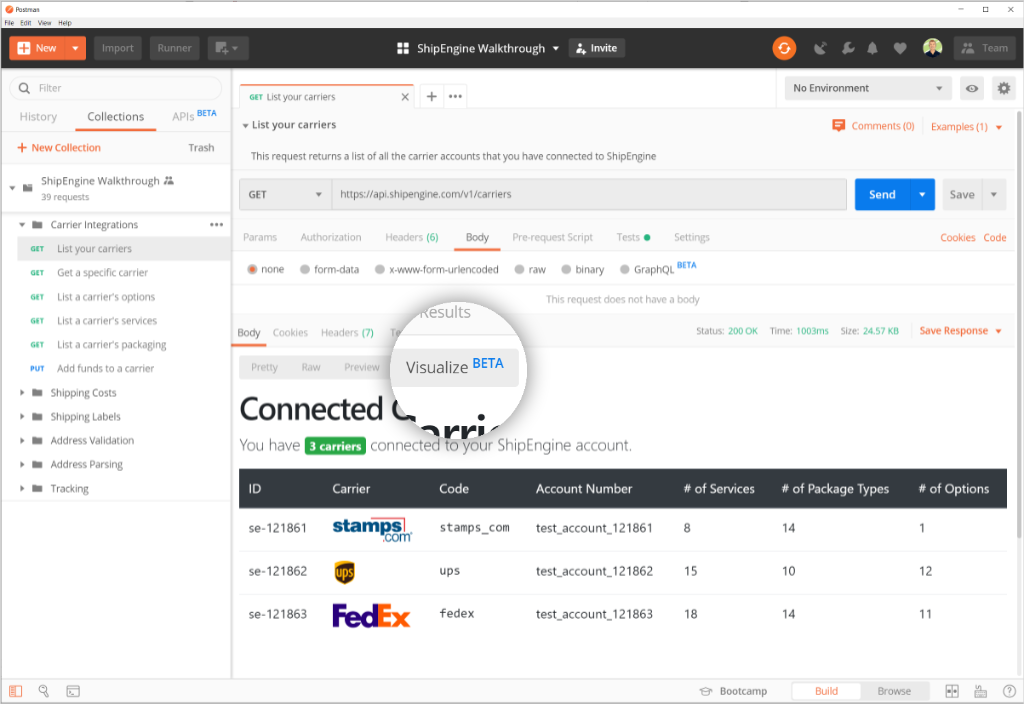
See API responses as raw JSON or as friendly visualizations.
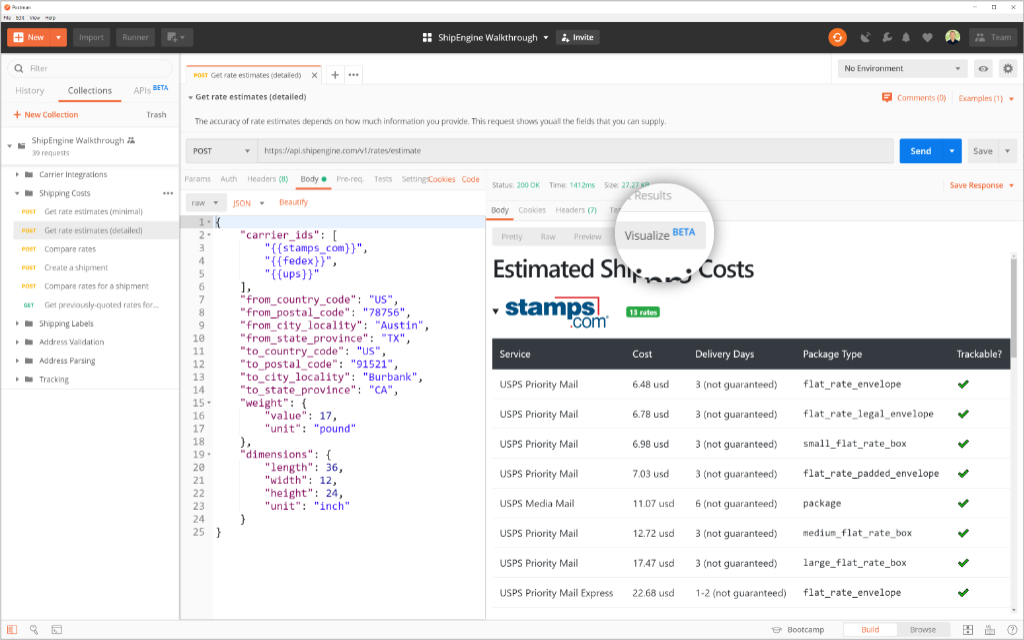
Postman visualizers make large API responses easier to understand.
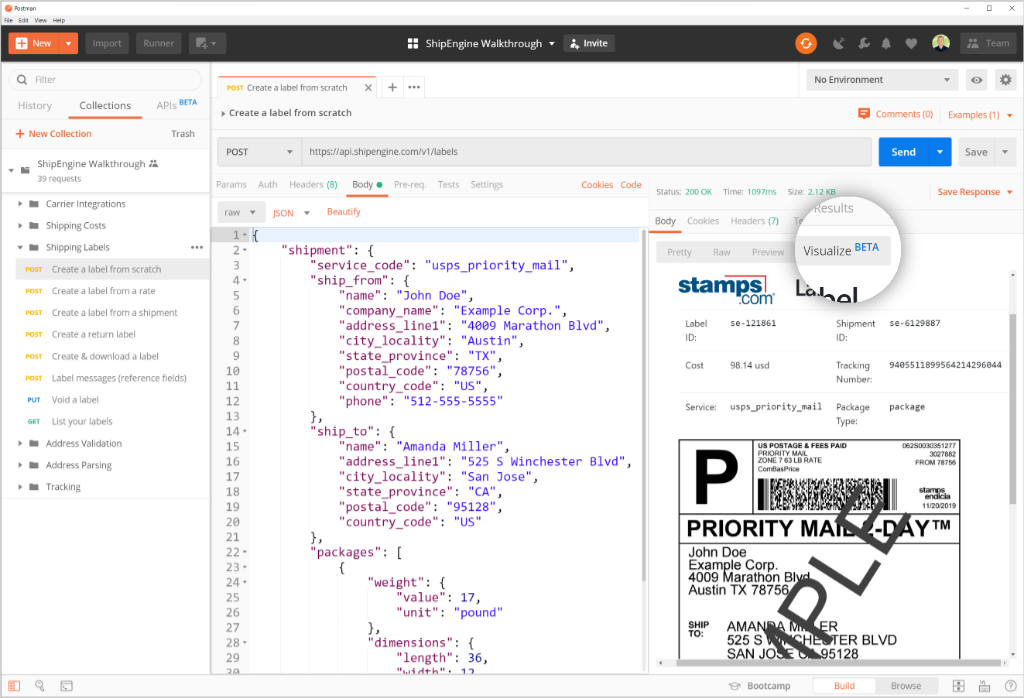
See your shipping labels right in Postman!
ShipStation API Reference

This collection contains sample requests for every ShipStation API endpoint. It's great for reference purposes, or to see a birds-eye view of all of ShipStation API.
In addition to this collection, we also have API definitions in various formats. These also include every ShipStation API endpoint.
Instructions
-
Run in Postman
Click the following button to automatically open the collection. -
API Key
Select the "ShipEngine" environment in Postman, which has your API key. -
Send Requests
Start with the "Carrier Integrations" folder, and the "List your carriers" request. Be sure to run requests in order, since many steps of the walkthrough rely on previous steps. -
Descriptions
Each folder and request has a description explaining what it does. You'll need to click the arrow next to the request name to see the description. -
Visualizations
Rather that viewing raw JSON responses, try Postman's Visualize view to see the API response in a friendlier format.